Basic Student Information System
Page breadcrumbs show this should be the top-level page over all of the Academics pages ()“Academics Dashboard”, etc.), but this page is only accessible via the dashboard, not the left drawer.
Toggle bars at the top filter the view to show: all active students, today’s birthdays, and students pending enrollment
Unidirectional button links to separate dashboards: academics, performance, and tennis
==Students may be added into the system via this page. Students can be added either manually or imported from club Automation. Manual addition is a large form with little to no sanitizing of data (date formats, phone number formats, etc.). Parents are added via text forms and not connected to the data model. Manually created students are not enrolled in any programs and cannot be enrolled until after creation (two step process). ^yjwh==
Active students (Directory)
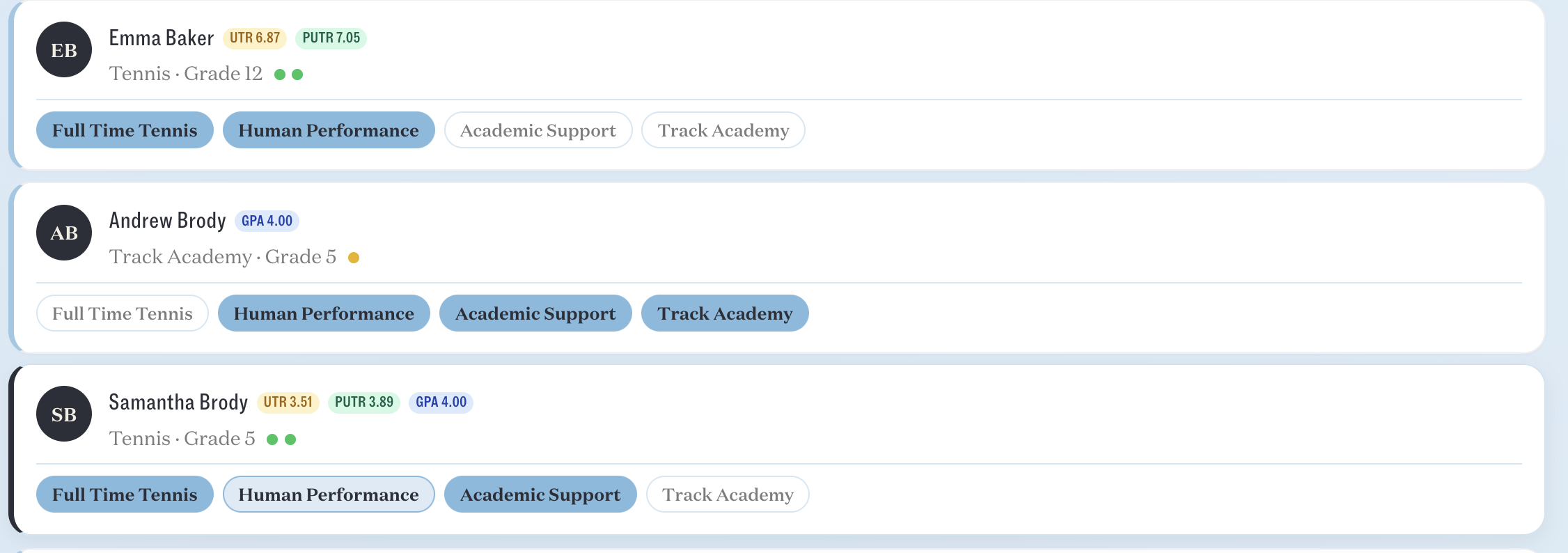
Users can see the basic information about students in the list and also enroll or unenroll them from school sections (Tennis Academy, Academic Support, etc. Is this roles based?), and click on a student to view more information.
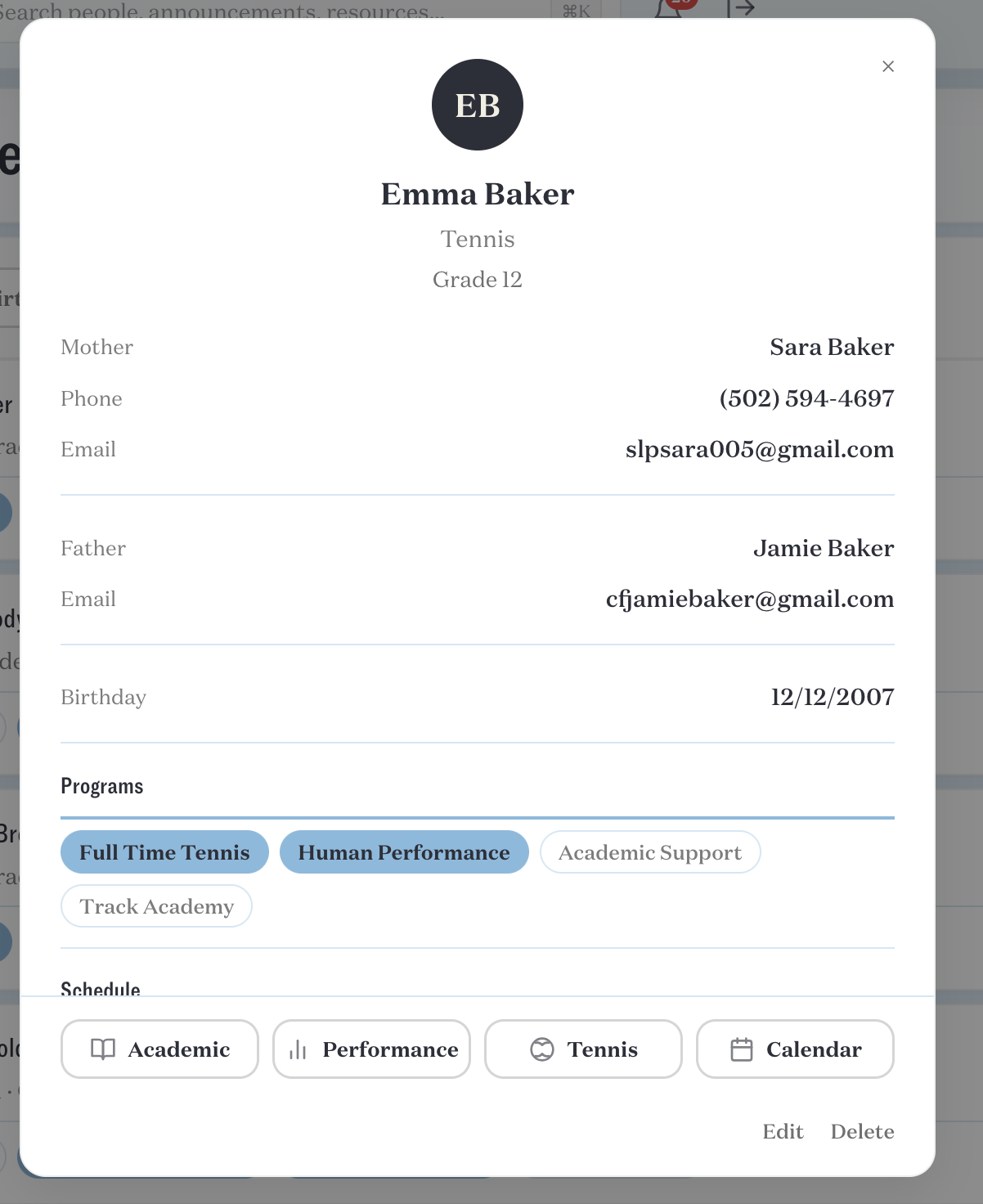
 Clicking on a student will open a modal with expanded information. Buttons contain unidirectional links to the student’s profile within the Academic, Performance, Tennis, and Calendar sections. These links function even if the student is not enrolled in a particular program.
Birthdays
Shows a list of every student with a birthday in the given month.
Upcoming
Shows a list of all pending students. Drop down shows the term, only contains one item (Fall 2026). Can search via name or field. Button to export a CSV (tested and works). Students are sorted by first name instead of last name.
There is no way to add a student into this page. The "Add Student" button is visible, but it loads the modal to add a current student, not an upcoming student. ^88u2
Modal window allows viewing and editing fields, links to email or call the parent, and a button with unidirectional link to open in the leads section. This opens the school leads home page, with student information open in a modal. This modal overlaps (Leads page -> click student name) with the previous modal (Full Time Academy -> Upcoming Students -> click student name), but each has distinct functionality. TO DO: Unify in a single partial view. ^8fhh
Thoughts
Can anyone add a student? Is this roles-based? Why can I search for pending students but not current students